Night Mode Arrives on xHamster Mobile
Hi xHamster! We’ve got news! Night mode is now available on xHamster mobile. Even though night mode has always been available on the desktop version of our platform, we now have expanded the feature to be universally accessible across the site.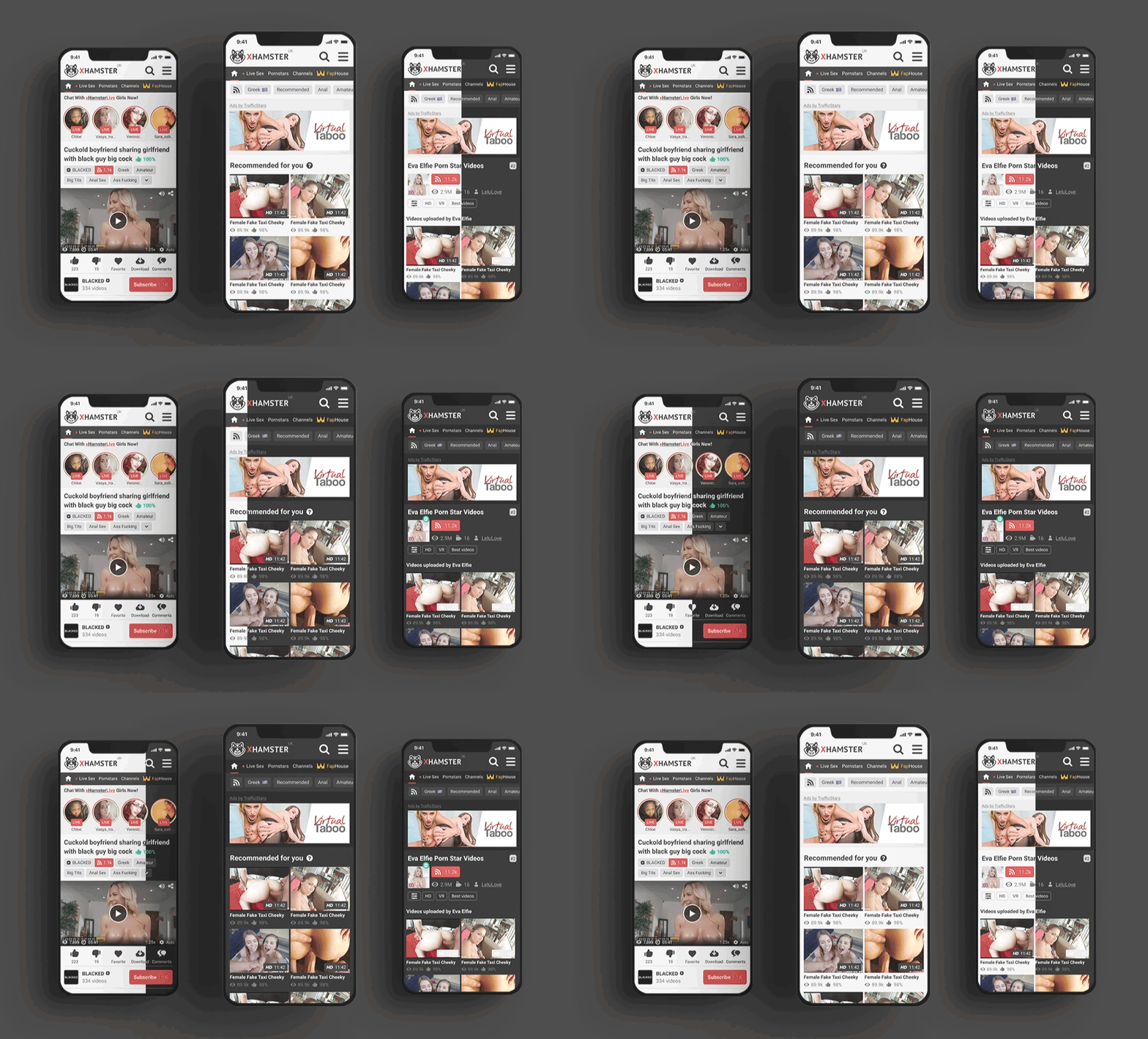 Starting immediately, we have updated our platform’s mobile site to include the night mode feature for whenever you want to wank it at night, and you want to ease the strain on your eyes. Or you could use night mode because everything is so much sexier in black. Fun fact: Some research shows that using dark or night modes on apps can reduce eye strain and blue light exposure when it comes to prolonged screen time. Many platforms and devices have dark mode features, including brightness sliders on phones and blue light reduction switches found in most phone and laptop settings. But, hey, enough nerd stuff. Night mode on xHamster mobile can be accessed via the hamburger menu at the top right corner of the mobile site. Scroll down, and you will find the switcher to shift between night and day modes. The platform will also remember your settings options for night mode versus day mode.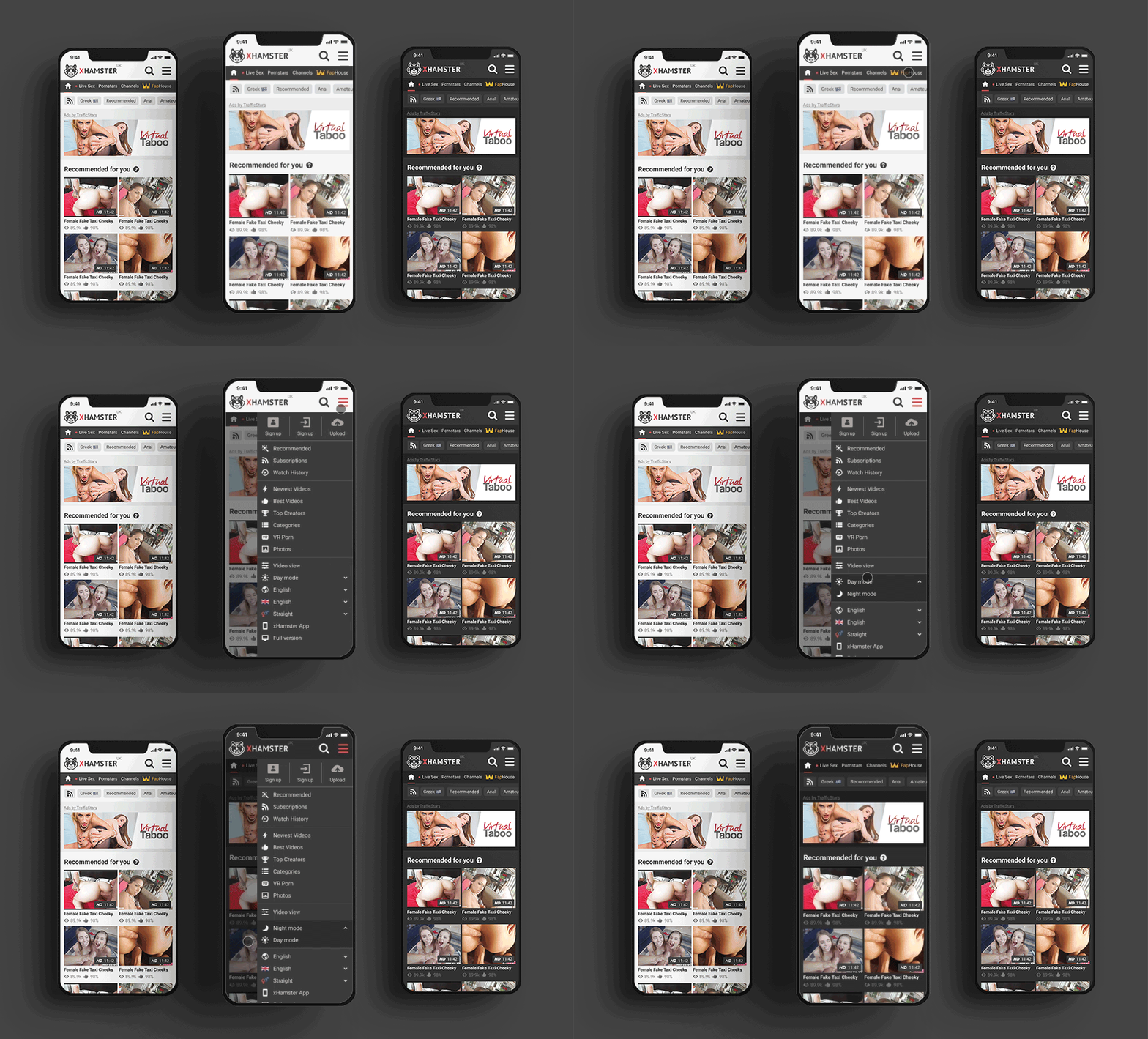
This gives you another reason to have an xHamster account to save your settings if you are interested in that. Just remember, if you’re using incognito or private browsing modes, your night mode preferences won’t be saved, and you’ll have to set the setting again. Also, if your mobile phone has dark mode set in your system settings, then xHamster mobile will load in night mode automatically by default. More updates and major feature retooling that are even bigger than this are in the works. So, stay tuned! Thanks for being a valued member of the xHamster community!